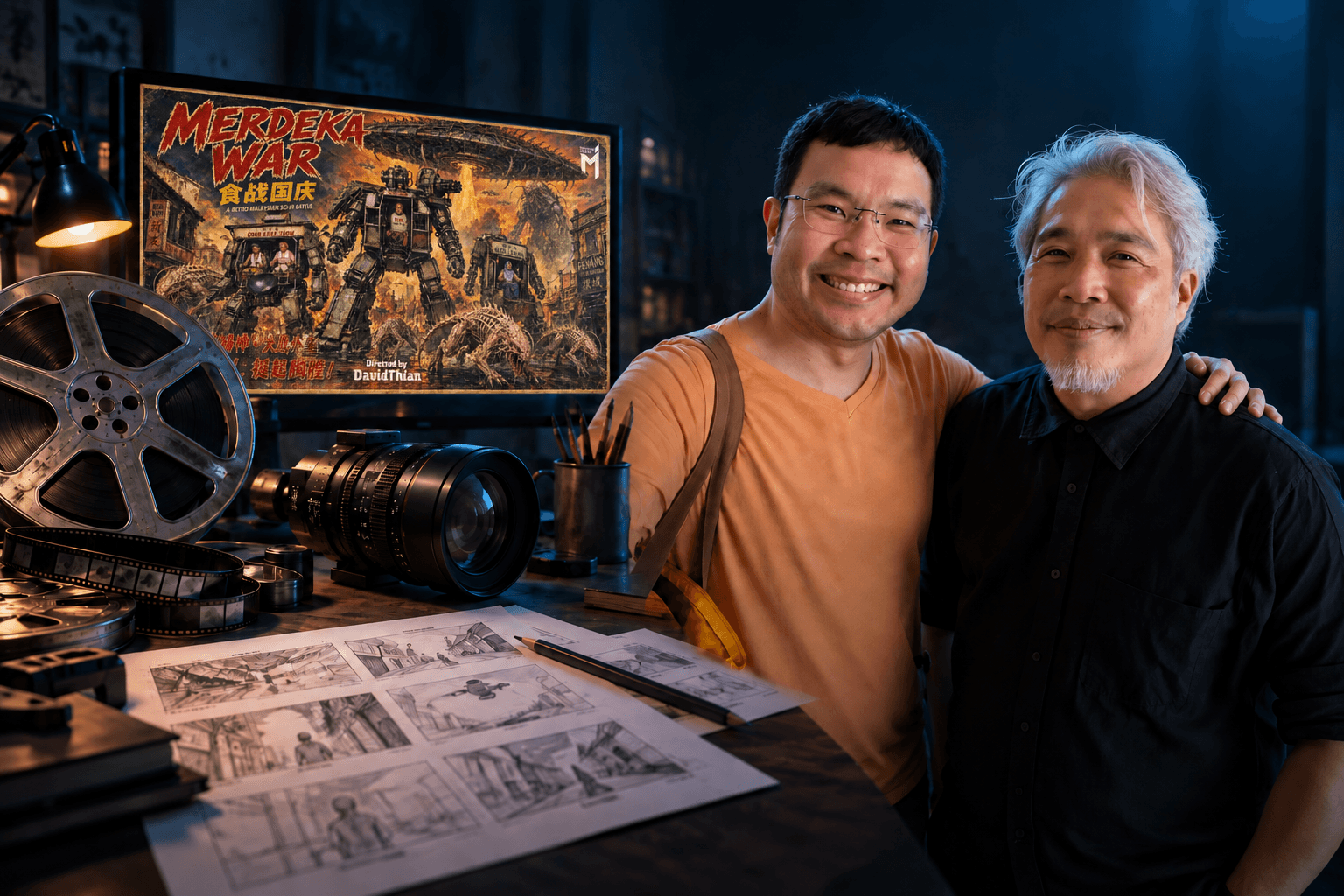
After listening to David Thian Thor Wei share his approach to creating the AI short film Merdeka War, I came away with a renewed appreciation for creative foundations. The tools have changed, but knowing what you want to create, and why, still matters enormously.
Some of his points were practical reminders about video production. Others made me reflect on my work in marketing, photography and videography, and how I might continue creating as I grow older. These are the lessons that stayed with me.
1. Creative foundations make your prompts more precise
David described a career spanning graphic design, photography, videography and filmmaking, with work across products, commercials, events and weddings. He has experienced the transition from film to digital production, and now to AI.
That experience gives him a vocabulary he can use to direct the tools. Lighting, lens choice, camera movement, composition and transitions are familiar creative decisions. He knows how to describe them and recognise whether the result matches his intention.
Anyone can enter a few keywords and generate a clip. Knowing when to ask for a slow camera push, a particular focal length or soft side lighting makes the instruction more purposeful. My reminder here is to keep learning the craft alongside the software. A stronger foundation helps me ask for better results and judge what comes back.
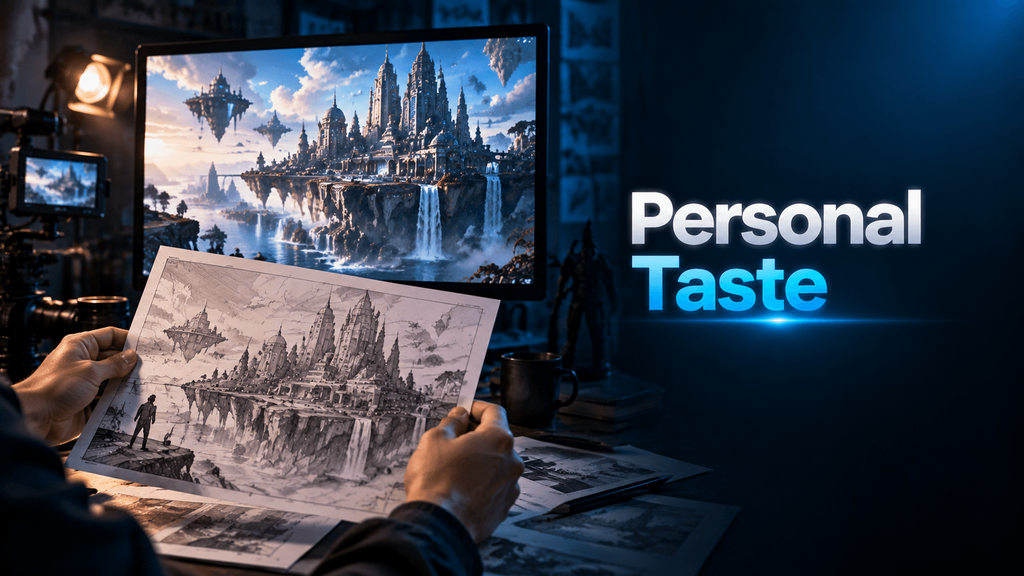
2. Your taste gives the video its character
AI provides another way to bring an idea to life. The person using it still decides what the story should feel like, what belongs in the frame and which version is worth keeping.
I think of AI as something that can amplify the taste and ideas we bring to it. Without that direction, it is easy to produce content that looks polished but feels interchangeable. That is the kind of repetitive, low-effort output people often describe as AI slop.
David shared that he had wanted to make a science-fiction film, but the cost of the necessary CGI made funding difficult. AI tools gave him a more accessible way to explore that ambition. What struck me was that the creative ambition was already there. The technology gave him a new way to pursue it.
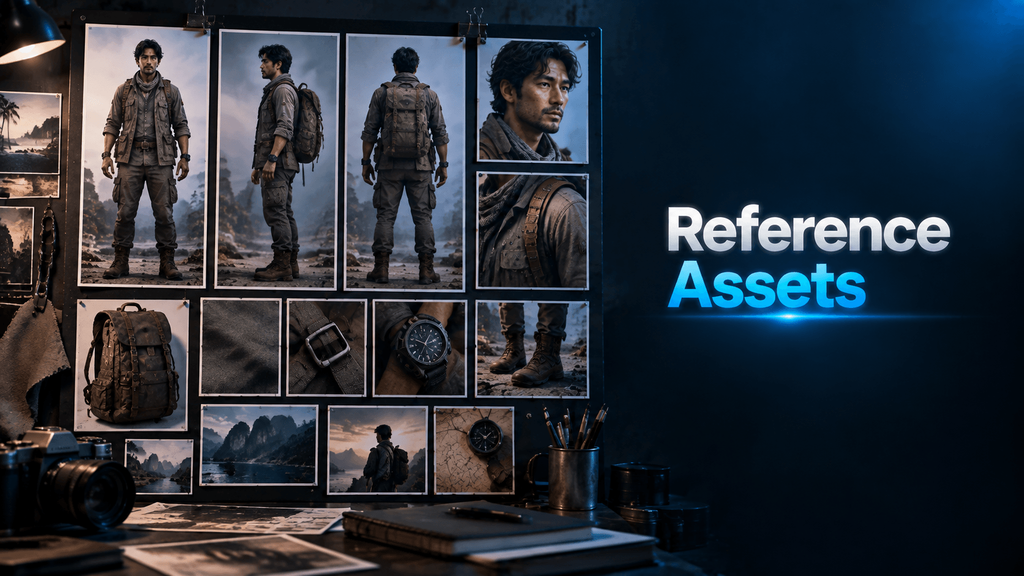
3. Build your reference assets before generating the video
This was the most important practical lesson for me. David showed the preparation behind his videos, including character references and detailed images of objects that would appear in the scenes.
If I want a recognisable protagonist across several shots, I need clear references for that character. Different angles, facial expressions, outfits and small physical details all deserve attention. Props and environments benefit from the same care.
For my corporate work, the connection is immediate. Brand consistency depends on having reliable visual references for the people, products, colours and design elements that need to appear. Those assets should be organised so I can find and reuse the right versions.
It is tempting to focus on the generation stage because that is where the movement happens. His demonstration reminded me how much of the work starts earlier, with the patience to create and refine the assets.
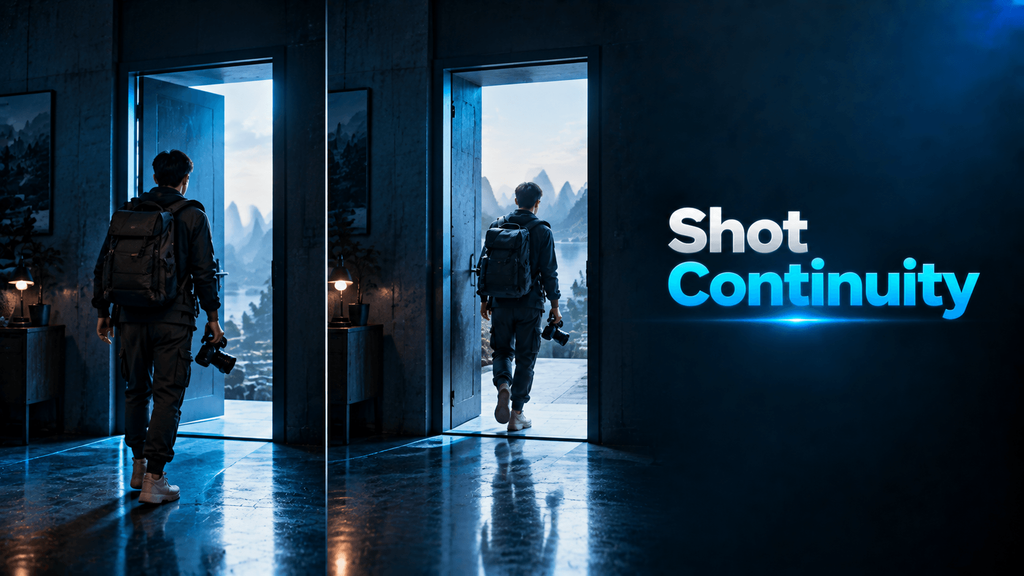
4. Plan how one shot connects to the next
David also described using a generated video as a reference for the next scene, so the continuation has visual context from the preceding clip.
In the example I noted, he discussed generating around 25 seconds with Seedance 2.5, then using that output to guide the next segment. ByteDance describes Seedance 2.5 as supporting 30-second storytelling. The exact duration and reference options available still depend on the platform and mode being used. ByteDance Seed model information
My takeaway is to plan continuity before generating each shot. The ending needs to give the next scene a useful starting point, with attention to character position, movement and surroundings. I would still review and edit the join. A reference can help, but it does not guarantee a seamless transition.
The goal is a rhythm that feels intentional. A hard cut can work perfectly well when the story calls for it.
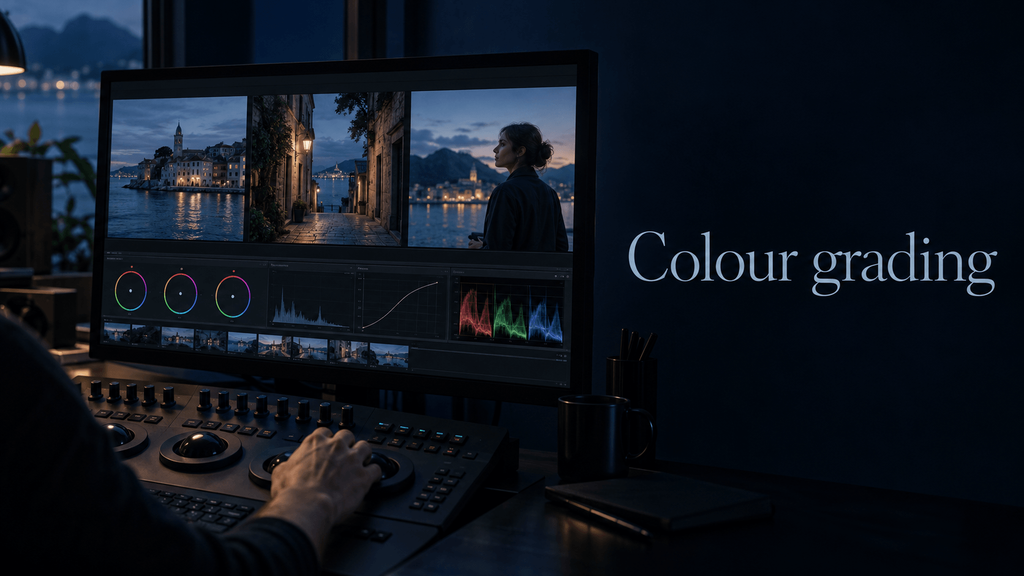
5. Keep control of the final colour grade
As someone who also edits videos, I found David’s colour-grading advice particularly useful. His approach is to handle the final grade himself, giving him control over the mood, palette and consistency of the finished film.
My interpretation is to decide the visual direction early, then bring the generated shots together in post-production. I would aim for compatible lighting and colour in the source clips, rather than assume the final grade can repair every mismatch.
That distinction matters for my workflow. Generating attractive individual shots is one task. Making those shots feel as though they belong in the same film requires decisions across the entire sequence.

6. Listening experience helps you direct the music
David said he is not a musician and does not read musical scores, but he has collected thousands of CDs. Years of listening have given him a detailed understanding of genres, subgenres and vocal styles.
That vocabulary helps him describe the sound he wants. He shared how he uses ChatGPT to refine those descriptions into prompts before taking them into Suno to generate music.
For me, this is another example of experience carrying over into AI creation. Knowing how to describe a restrained vocal, a particular rhythm or a gradual musical build can make the direction more specific. The listening still matters when deciding whether the generated track suits the scene.
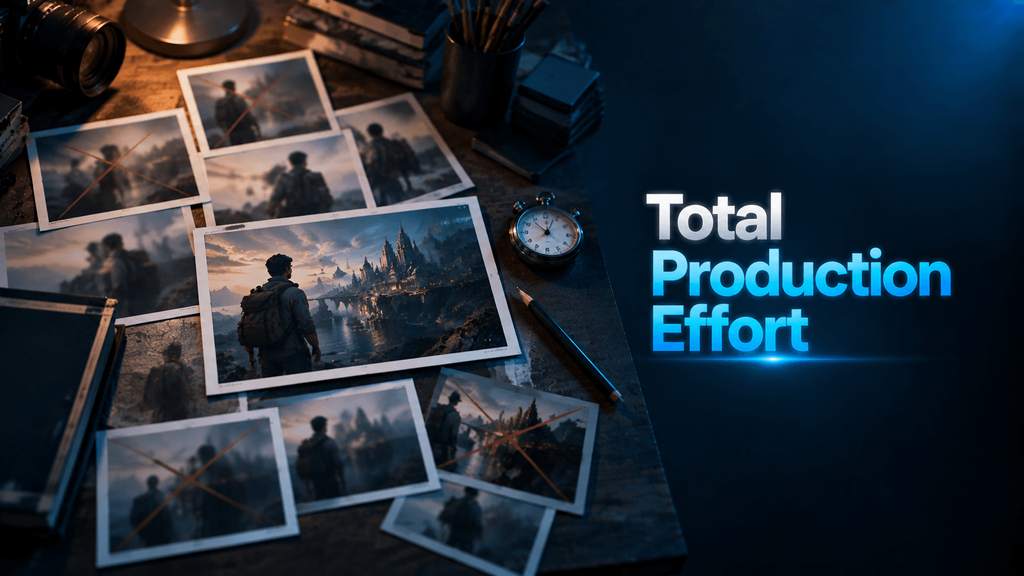
7. Compare the total effort behind a usable result
During the discussion about workflow, I took away a practical point about model selection. A more capable model may justify a higher generation cost if it reduces failed attempts and the time spent correcting problems.
I would not turn that into a rule that the most expensive model is always best, or that Seedance 2.5 removes every common issue. The useful comparison is the total effort required to get an acceptable shot, including retries, editing and review.
For my own projects, I would test a representative scene and judge the output against the brief. A cheaper generation is only a saving if it can produce something I can use.
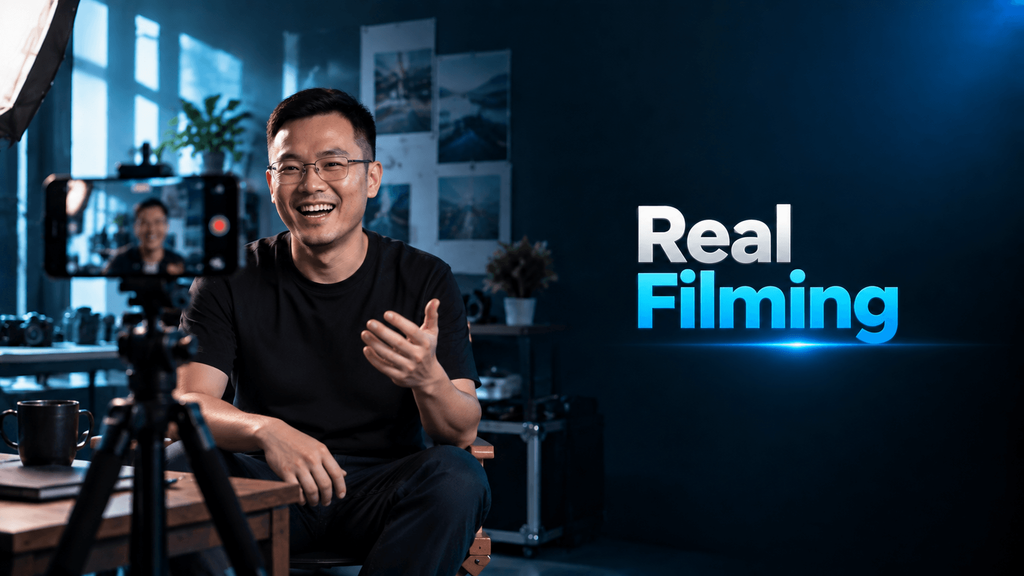
8. Use a real camera when it serves the scene
David shared that the attention around his film had brought enquiries about partnerships and AI video services. One point from that discussion stayed with me: recreating someone with AI does not automatically capture what makes that person recognisable.
Small gestures, pauses, facial expressions and an uneven speaking rhythm can be part of someone’s character. An overly polished recreation may lose those qualities and feel less convincing.
If recording a person on a smartphone gives me the result I need, that can be the right production choice. An AI version may require enough testing and refinement to cost more.
I see particular value in AI for scenes that would otherwise be difficult to film, expensive to stage or dependent on extensive visual effects. Choosing where to use it is part of the creative judgement.
9. Stay curious enough to test the tools yourself
The sharing also made me reflect on resistance to AI within the creative industry. Concerns about jobs and the value of creative work deserve a serious conversation. I would not assume that everyone who is sceptical is unwilling to learn.
My personal takeaway is to make room for practical experience alongside that debate. Trying the tools can reveal both their usefulness and their limitations, giving me a better basis for deciding where they fit.
That does not require liking every AI-generated film or using AI in every project. It means staying curious enough to form a considered opinion from the work itself.
10. Learn quickly and turn that learning into finished work
There can be an advantage in learning a useful skill early and applying it well. For me, the important part is turning that learning into work that improves a process or creates something valuable for an audience.
David had invested the time to make a film he could show. That gave people something concrete to respond to and a reason to approach him about potential projects.
In marketing, I see a similar opportunity to experiment while many teams are still learning how AI video fits their work. Speed matters when it helps me test an idea, learn from the result and improve. It needs to be paired with quality and a clear purpose.
His accumulated experience is a valuable professional asset. Combining it with the willingness to learn a new tool gives that experience another outlet.
11. AI may give creativity another outlet as we grow older
The most personal part of the sharing was David’s reflection on ageing. He spoke about the physical demands of production and changes in his energy and eyesight, while his desire to create remained strong.
AI video tools had brought him the enjoyment of being able to realise ideas in a different way. That made me think about my own future.
I am not at the same stage yet, but photography, event coverage, corporate video production and concert recording can all be physically demanding. Some of those activities may become harder for me later. It is encouraging to see another way I might continue bringing ideas to life.
It also reminded me to do the things I want to try while I have the opportunity and physical capacity. I want to keep gaining experience now, while building skills that may give me more options later.
12. Step outside your usual creative surroundings
Much of my daily work revolves around corporate content and marketing objectives. Listening to someone approach AI through filmmaking felt like a creative palate cleanser.
It gave me a chance to consider storytelling, music and visual decisions outside my usual briefs. That change of perspective is useful in itself. It helps me notice possibilities I might miss when I keep working within the same category.
I left with practical ideas to test, a reminder to take reference assets seriously, and more motivation to keep learning the craft.
Okay, let me create something now.