
This year, AI did not just help me create more content. It changed how I work.
That difference matters. A lot of people still talk about AI as if it is only a faster writing assistant, a better search engine, or a fun image generator. Those use cases are useful, but they are only the surface. The bigger shift happens when AI starts changing the workflow behind the content.
I shared this recently in a YouTube video, where I walked through three AI workflows that surprised me: bulk video editing, YouTube thumbnail ideation, and AI-generated motion graphics. This article is a more reader-friendly version of that reflection, with a little more structure for content creators, marketers, small business owners, and anyone still learning how to use AI in a practical way.
What Is an AI Workflow in Content Creation?
An AI workflow is a repeatable process where AI helps you plan, analyze, generate, automate, or improve part of your work. It is not just a single prompt. It is a system of steps that helps you get from idea to output with less friction.
For content creation, that could mean using AI to analyze a video, find key moments, create thumbnail concepts, generate motion graphics, repurpose content, or automate repetitive editing tasks. The real value is not only speed. The real value is that AI helps you rethink what work needs to be done manually in the first place.
That realization became very clear to me through three examples.
Workflow 1: Bulk Video Editing Without Opening an Editing App
The first AI workflow that surprised me was video editing.
Recently, I had more than 90 videos that needed the same outro and branding sequence added to the end. Normally, this would mean opening CapCut, importing a video, placing the outro, exporting the file, and repeating the same process again and again.
Ninety times.
That kind of work is not creatively difficult, but it is mentally draining. It takes time, attention, and patience, even though the actual decision-making is almost zero. Every video needed the same treatment. The task was repetitive by nature.
Instead of doing it manually, I opened Claude and explained what I wanted to achieve. Claude guided me step by step: install Python, create the script, test it, debug it, fix the errors, and run it again. After a few rounds of testing, the workflow worked.
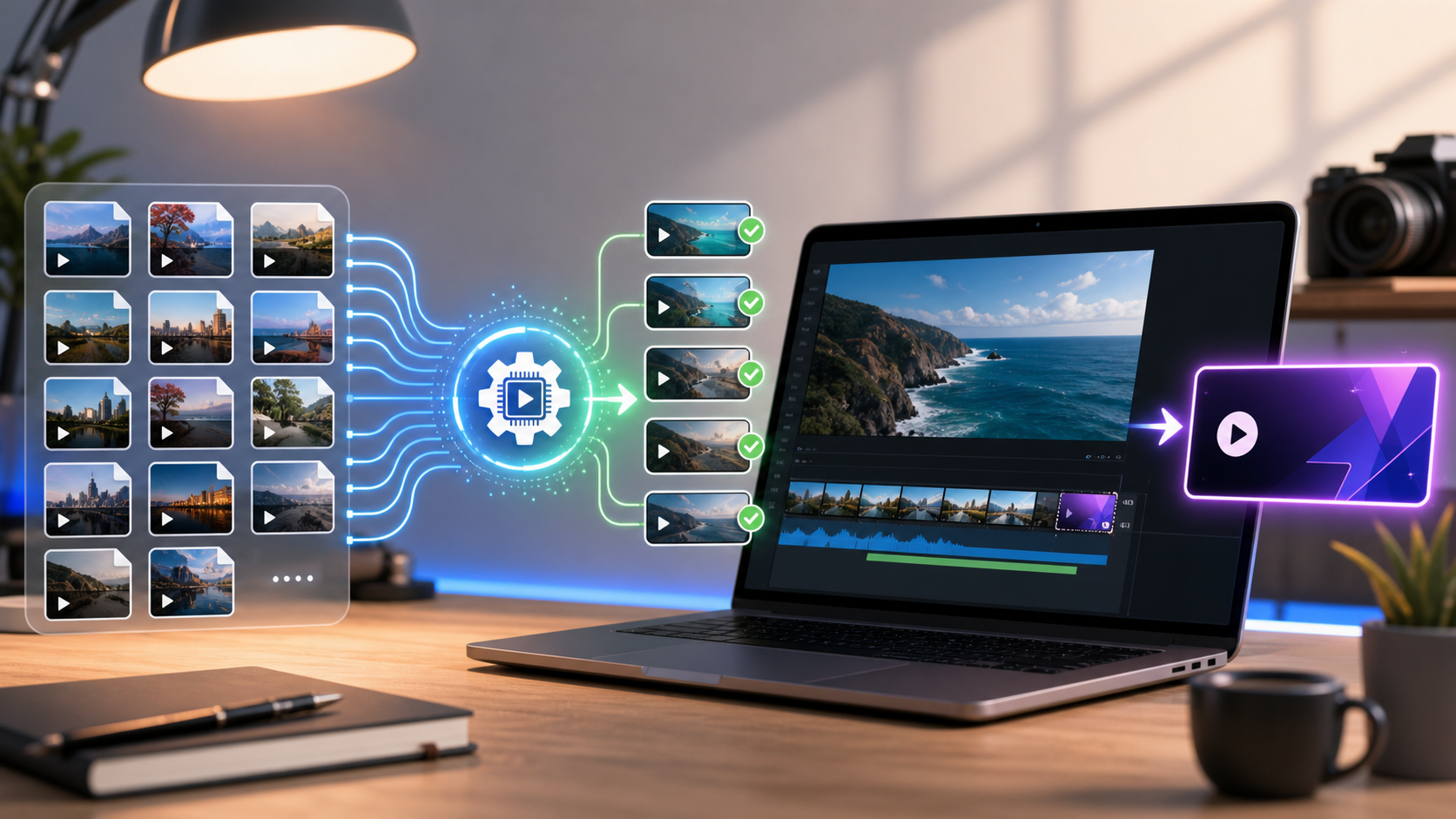
Suddenly, more than 90 videos were being processed automatically. No editing interface. No dragging clips. No manual exporting. Just one command.
That was the moment I realized AI was not helping me edit videos. It was helping me eliminate the editing work entirely.
This connects closely with something I explored in my earlier post on Topaz Video AI and Perplexity Comet. AI video tools are getting better, but the bigger opportunity is learning how to connect tools into workflows that remove unnecessary manual steps.
Workflow 2: Gemini and ChatGPT for YouTube Thumbnails
The second workflow that surprised me was the combination of Gemini and ChatGPT for YouTube content planning.
Usually, creating a good YouTube thumbnail takes time. You need to watch the video, find the right moment, capture the frame, think about the headline, and then design the visual. It is part analysis, part creative direction, and part execution.
This time, I pasted my YouTube video link into Gemini. What impressed me was that Gemini did not only analyze the transcript. It understood the actual video: the visuals, the audio, the context, and the key moments.
From there, it recommended timestamps that could make strong thumbnails. I clicked directly to those moments, captured screenshots, and downloaded them. Then I uploaded those images into ChatGPT and used image generation together with the thumbnail prompts suggested by Gemini to create multiple thumbnail concepts.
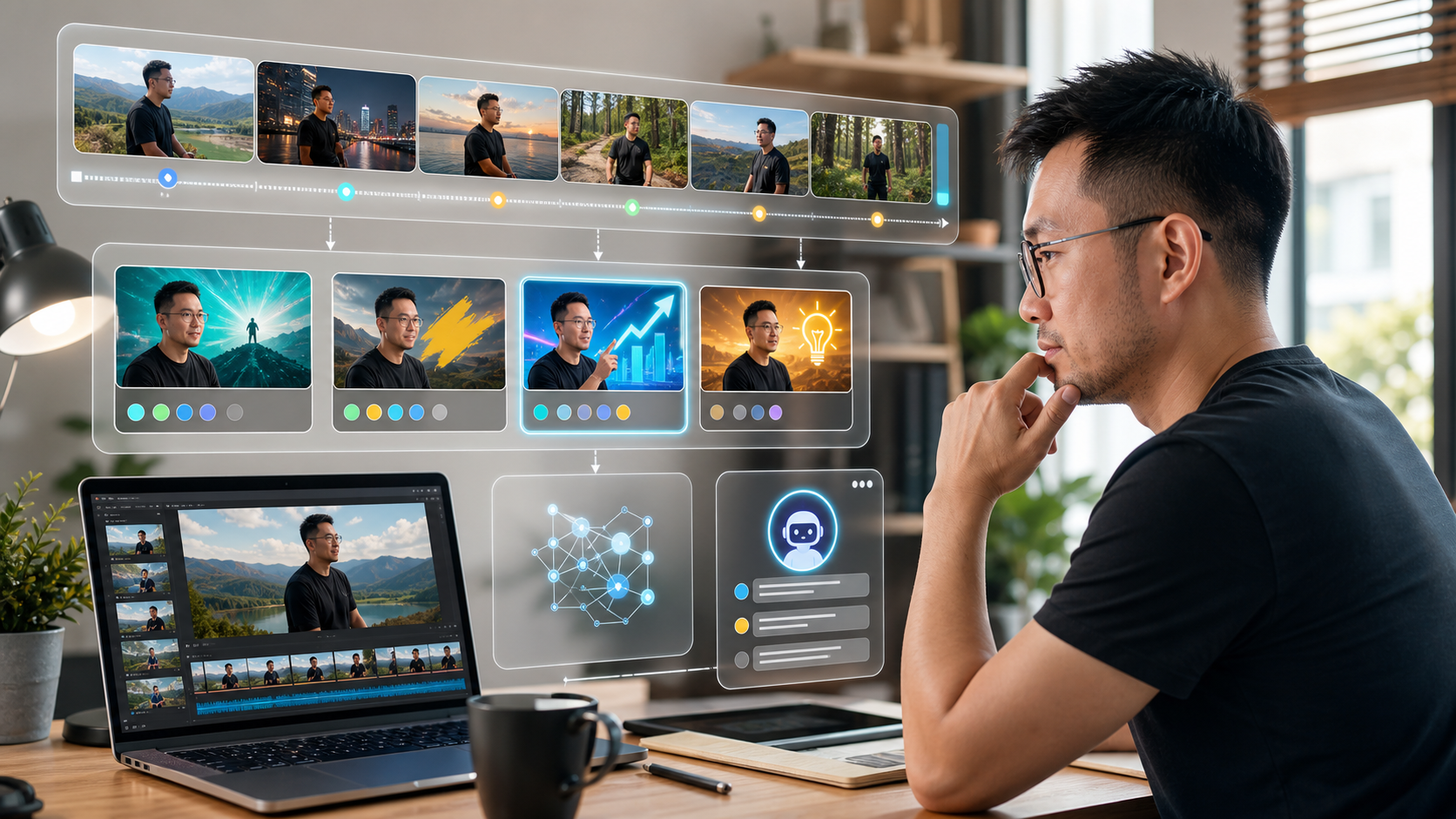
The surprising part was not only the image generation. It was the fact that Gemini could understand the video as a whole. After that, I also asked it to suggest YouTube titles, descriptions, and tags.
At that point, one tool was acting like a content strategist, video analyst, and YouTube consultant at the same time.
I think many people still underestimate how powerful multimodal AI has become. We are moving from AI that only responds to text into AI that can interpret video, images, sound, and context together. For creators and marketers, this changes how we plan content.
The lesson here is simple: AI is not only useful after you create content. It can also help you understand what you have already created and turn that into better packaging, better positioning, and better distribution.
Workflow 3: AI Motion Graphics and Better Production Quality
The third workflow is animation and motion graphics.
A lot of the animated graphics, text movements, visual effects, and supporting B-roll animations in my video were generated using Claude Code. This is one of the areas where AI made me feel that content production is changing faster than many people realize.
A few years ago, creating these kinds of animations usually required specialized software, technical skills, and many hours of work. Today, AI can help generate, refine, and even render many of these assets.
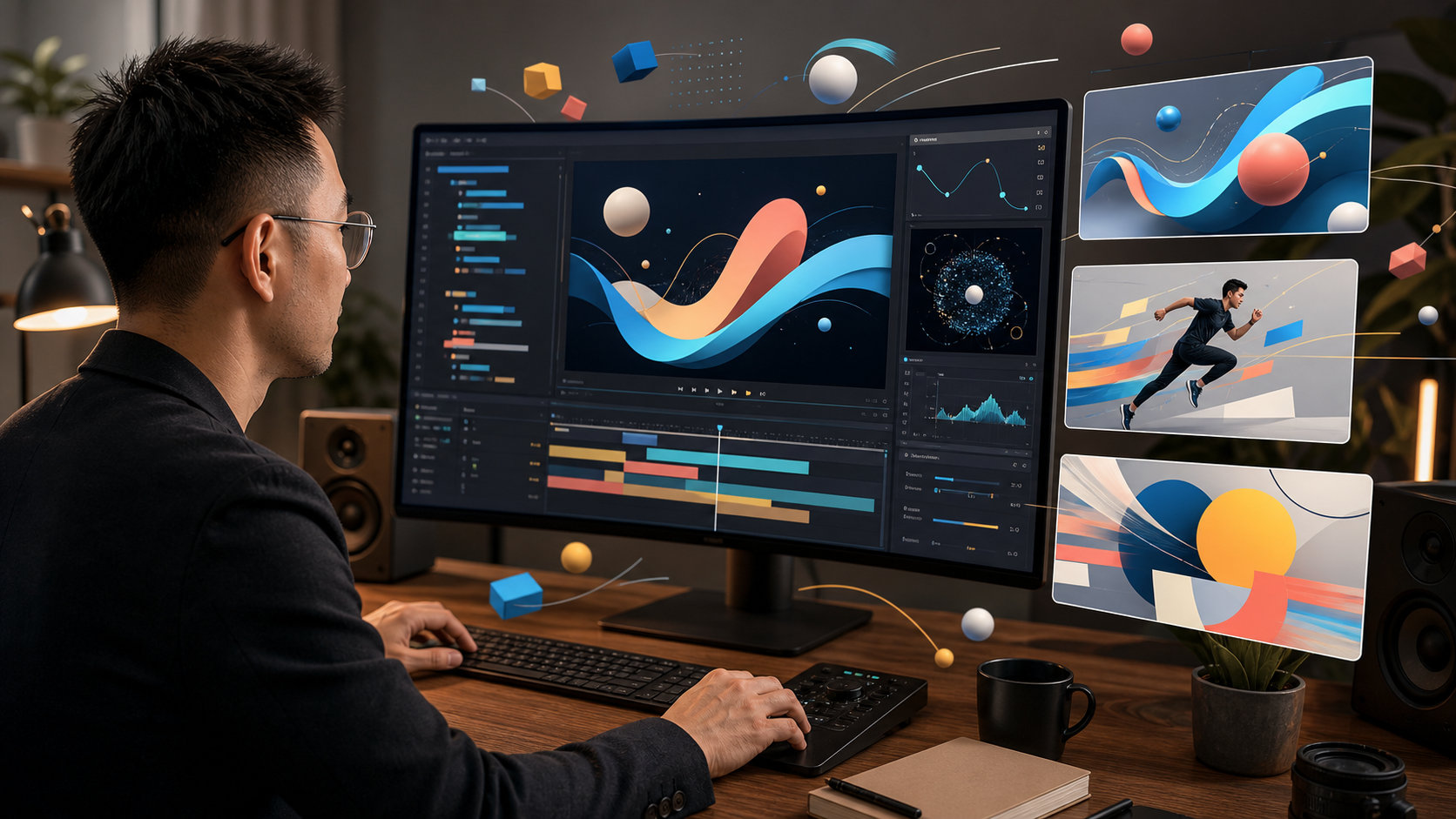
Of course, it is not magic. It still takes experimentation. It still takes learning. It can consume quite a lot of tokens. Sometimes the output is wrong. Sometimes you need to revise the prompt, adjust the code, or test several approaches before it works.
But the speed is incredible.
Sometimes when I watch newer YouTube videos, I notice that the production quality has suddenly jumped. You might assume the creator hired an agency, outsourced the work, or spent weeks creating the visuals. In some cases, the answer may be simpler: AI helped create it.
This also connects with my reflection on Sora and the moment AI video starts to look real. The tools are improving quickly, but the bigger question is how creators use them to tell clearer, stronger stories.
What These AI Workflows Taught Me
After testing these workflows, my conclusion is not simply that AI saves time. That is true, but it is not the most important point.
The bigger lesson is that AI changes how we think about the work itself.
- Repetitive work is often the best place to start with automation.
- Multimodal AI can help creators analyze content more deeply.
- Production quality is becoming more accessible to small teams and solo creators.
- The fastest learning happens when you test real workflows, not just watch AI tutorials.
This is why I believe AI-first thinking is becoming important. I wrote about this more directly in How AI-First Thinking Changes Everything. The mindset shift is not about using AI for everything. It is about asking a better question: is there a smarter way to do this now?
How Creators and Small Businesses Can Start
If you are a content creator, marketer, small business owner, or AI beginner, you do not need to start with a complicated system. Start with one small workflow.
- Pick one repetitive content task.
- Write down the manual steps you normally take.
- Ask AI how it could simplify, automate, or improve the process.
- Test it on a small batch first.
- Improve the workflow based on the errors you find.
For example, you could start by using AI to turn a long video into short content ideas, generate headline options, summarize customer questions, create first-draft social captions, or analyze your old content for repurposing opportunities.
At the same time, more output is not always the goal. In Less is More in the Age of AI, I shared why simplicity still matters. AI can help us create faster, but we still need judgment to decide what is worth creating.
FAQ: AI Workflow and Content Creation
What is an AI workflow?
An AI workflow is a repeatable process where AI supports or improves a task from start to finish. In content creation, this can include planning, editing, analyzing, generating visuals, repurposing content, or automating repetitive production steps.
How can AI help content creators?
AI can help content creators save time, analyze their content, generate ideas, improve packaging, automate repetitive work, and increase production quality. The best results usually come from using AI inside a clear workflow rather than relying on one-off prompts.
Can AI automate video editing?
Yes, AI can help automate parts of video editing, especially repetitive tasks such as adding intros, outros, branding sequences, resizing clips, renaming files, or preparing exports. For more creative edits, human judgment is still important.
How can AI help with YouTube thumbnails?
AI can analyze a video, suggest strong moments for thumbnails, recommend title angles, and generate visual concepts. Multimodal AI tools are especially useful because they can understand both the transcript and the visual context of a video.
Should small businesses use AI for content creation?
Yes, but they should start practically. The best first step is to identify one repetitive content or marketing task and use AI to simplify it. Over time, small businesses can build better systems for planning, production, repurposing, and distribution.
Final Thought
Watching videos about AI is not enough. Reading posts about AI is not enough either.
The real learning happens when you actually use it. When you test it. When you break things. When you experiment. That is when you start discovering opportunities that nobody is talking about yet.
So if you are serious about becoming more AI-savvy, do not just consume content. Build something. Automate something. Create something.
If you are exploring how AI workflows can support your content, SEO, or digital marketing, you can contact me here.